HOW TO REGISTER & LOG IN ONCE APPROVED
1. Go to... bossierschools.webdeskprint.com
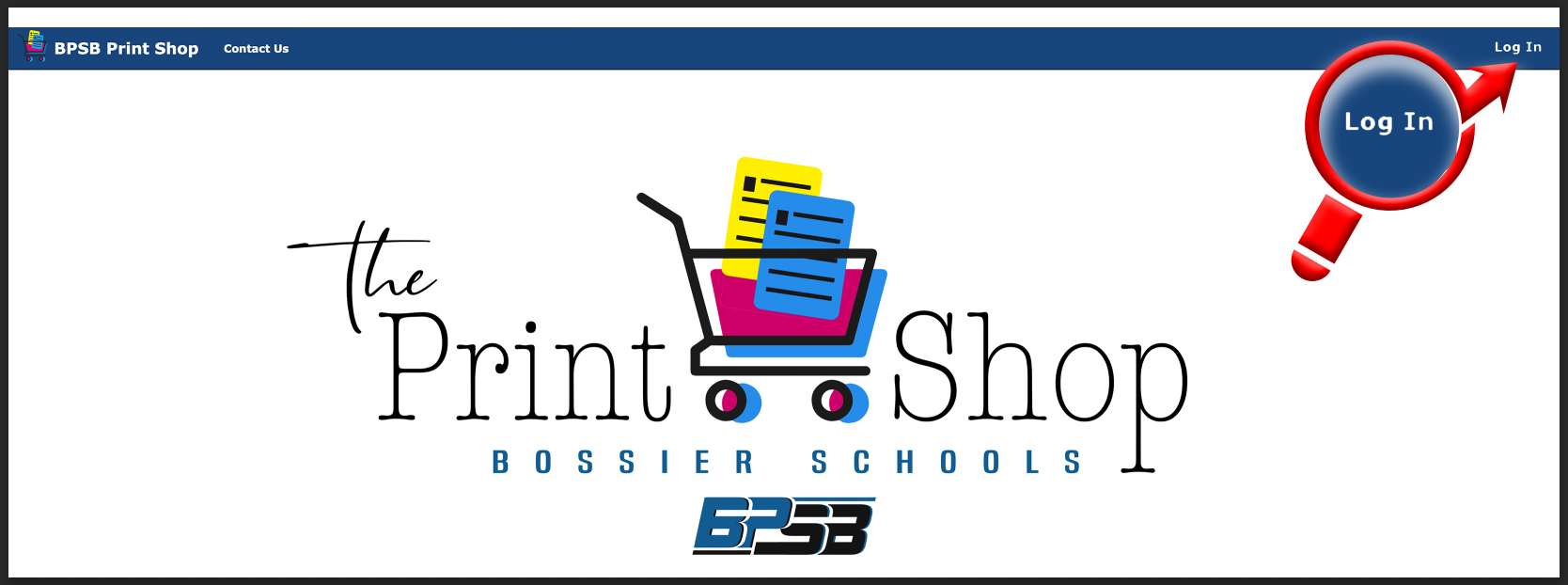
2. Click "Log In" in the top right corner...
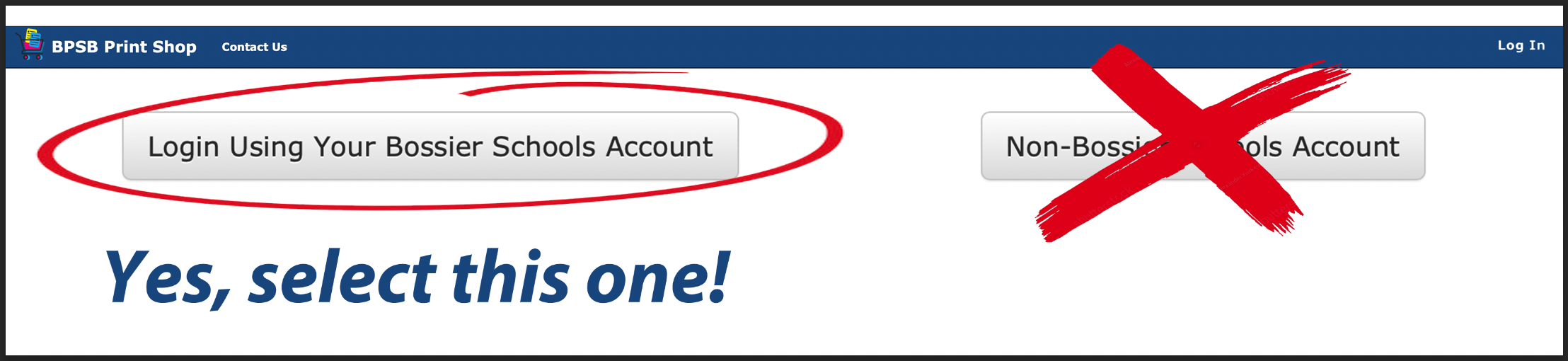
3. Select the "Bossier Schools Account" button...
4. Fill out the registration information accurately. The * ones will not let you hit register if it is not filled out. If the words "Create Your Login" appear at the bottom of the registration form then you did the above instructions wrong and your registration will be denied.

5. Click Register...

5. Make sure you receive an email stating this...
______________________________________________
Thank you for registering to the BPSB Print Shop website.
Thank you, BPSB Print Shop Website Administrator
______________________________________________
and "Log In" and place your very first printing & graphics order!